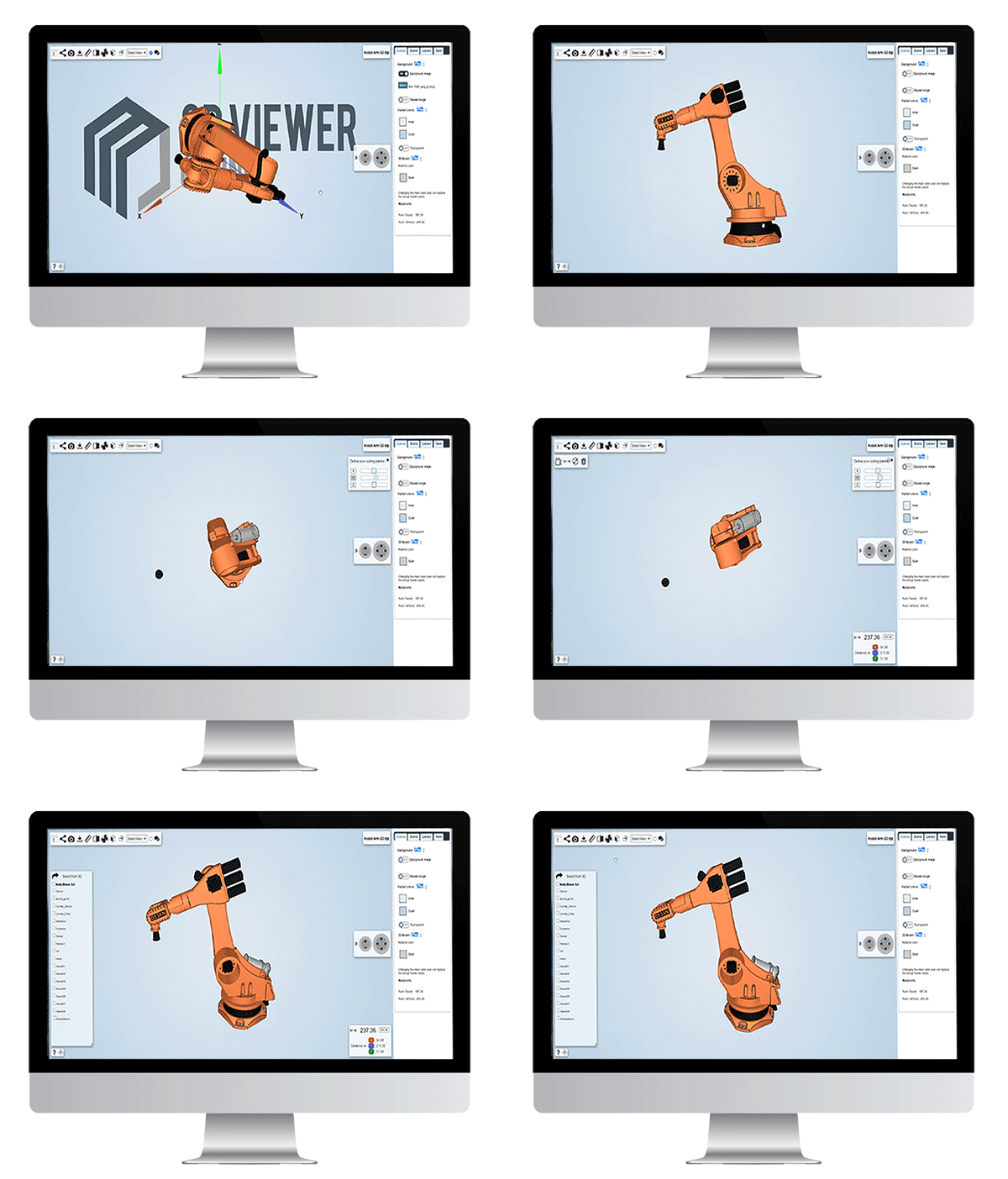
Engineering teams often need a fast and reliable way to view 3D models without installing heavy desktop software. The Online 3D Viewer loads STL, STEP, OBJ, glTF and 3MF files directly in the browser, making 3D inspections simple and accessible on any device.
Desktop CAD tools have always been the standard for viewing 3D models. However, they require installation, powerful hardware, licensing and administrative permissions. Many work computers do not allow users to install software autonomously, and occasional users often struggle with complex 3D interfaces.
Loading a model, adjusting the scene, configuring lighting or setting camera views can be time-consuming. For many teams this makes quick reviews or simple measurements unnecessarily slow.
3DViewerOnline removes these limitations by providing a web-based 3D viewer that works instantly. Upload your model and inspect it in a matter of seconds. No setup, no configuration, no installation.
You can rotate, zoom, take precise measurements, section parts, explode assemblies, adjust lighting and shading and create comments or markups for design reviews. All tools work immediately and are designed to support engineering workflows.
Learn how to open a 3D model with 3DViewerOnline here.

The 3D Viewer is built with WebGL and HTML5, so it runs directly in any modern browser without plugins or installations. This makes the technology fast, secure and accessible on every workstation or device used by engineering teams.