A 3D product viewer displays an interactive product model inside a web browser. Customers can examine the product from different angles, zoom into important details and understand its shape before contacting your sales team or making a purchase.
3DViewerOnline helps businesses turn existing 3D files into browser-based product experiences that can be added to websites, catalogues and customer communications.
Product photographs show only the views you choose. An interactive 3D model lets prospective buyers explore the product themselves.
Customers can rotate the model, zoom into components and examine details that may be difficult to communicate through photographs or technical drawings alone.
Use the viewer on individual product pages or as part of a structured digital product catalogue.
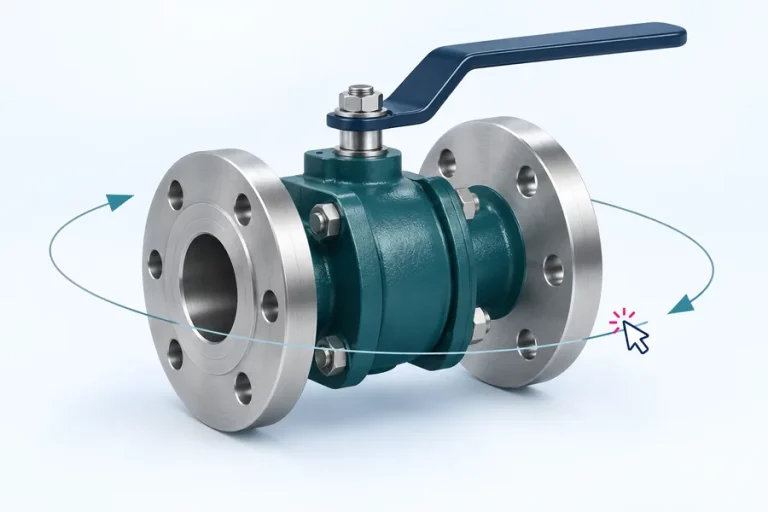
Give customers control of the view so they can examine the product from the perspective that matters to them.
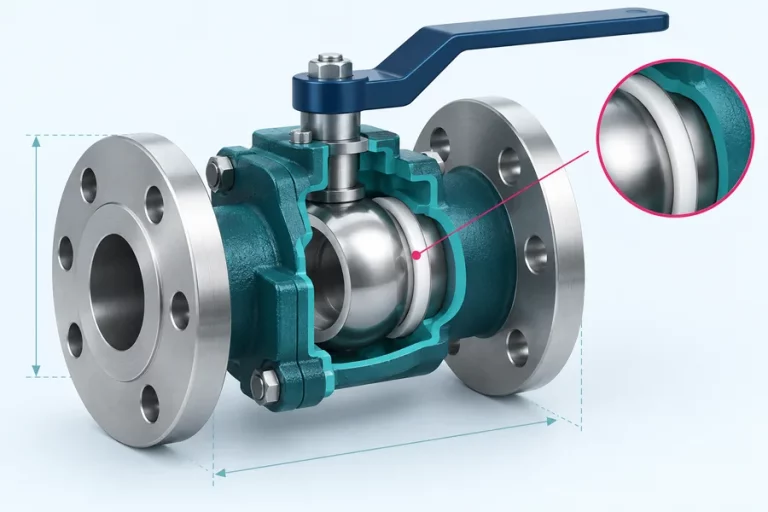
Help buyers understand connections, internal features and component relationships that can be difficult to explain with a single product photograph.

Give buyers a clearer understanding of the product before they contact your team, request a quotation or continue their research.
Place the 3D product viewer inside your website or product catalogue so customers can interact with the model without leaving the page.
Use an embedded viewer on a single product page or organise multiple products into a catalogue designed around your range.
The surrounding page remains available for product descriptions, specifications, downloads and calls to action.

Configure the viewer’s available presentation options to complement your website and product content.
Depending on your plan and configuration, you can personalise elements such as the logo, colours and available toolbar controls. Keep the interface focused on the actions your customers need.

Add a supported CAD or 3D file and prepare it for browser-based viewing.
Choose the viewer layout appropriate for your website or product catalogue.
Embed the viewer in a product page, organise it within a catalogue or share the model using a link.
3DViewerOnline supports a range of commonly used CAD and 3D formats, including STEP, IGES, GLTF, 3MF, STL, OBJ, DWG and more.
File capabilities and requirements vary by format. Check the complete supported-formats information before preparing a large catalogue or automated workflow.
A 3D product viewer is a browser-based interface that allows visitors to rotate, zoom and inspect a digital product model from different angles.
Yes. Copy the viewer’s iframe embed code into a page that supports embedded HTML. Customers can then explore the model directly on your website.
The viewer is designed to open in a compatible web browser, so visitors do not need specialist desktop viewing software to inspect the published model.
Supported formats include commonly used CAD and 3D formats such as STEP, IGES, STL, OBJ, DWG and DXF. Check the supported-formats page for current requirements and limitations.
Available customisation can include elements such as branding, colours and toolbar presentation. Exact options depend on the selected plan and configuration.
Yes. Share a viewer link so customers or colleagues can open the model in their browser. Access depends on the model’s sharing settings.
Yes. The viewer adapts to mobile and tablet screens. Performance and available interactions depend on the device, browser and complexity of the model.
You can use 3DViewerOnline for a large product catalogue. The only limit is the storage available with your account.
Create an interactive view of your product and explore how it could fit into your website.