The 3DViewerOnline API connects your application’s file workflow to an online viewer. Your software submits a model and associates the returned viewer URL with the relevant product, part or project.
Your application manages its own records and user experience, while the viewer gives users a way to explore the associated geometry in their browser.
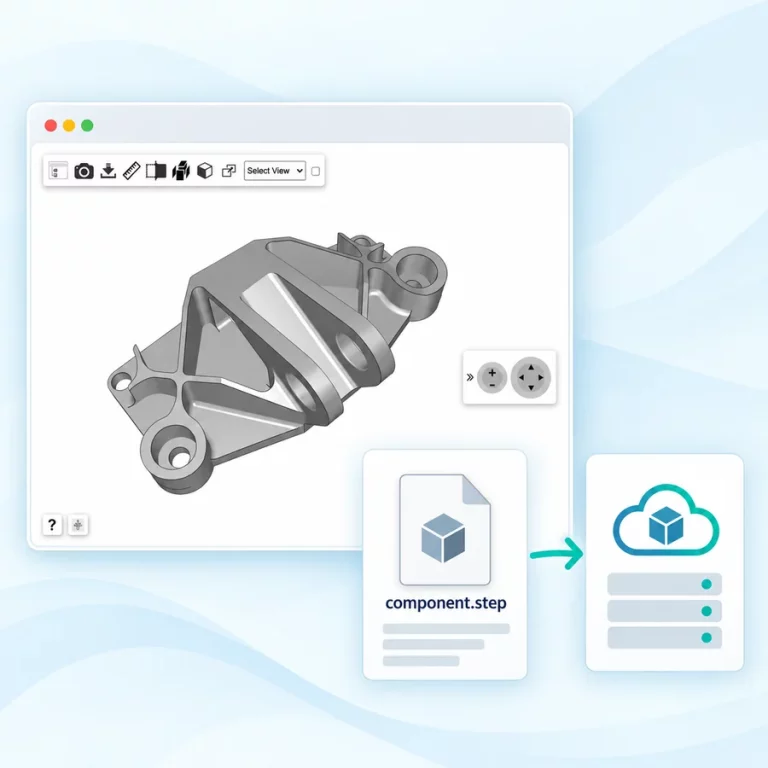
Submit a supported file from your application’s backend as part of your upload or publishing workflow.
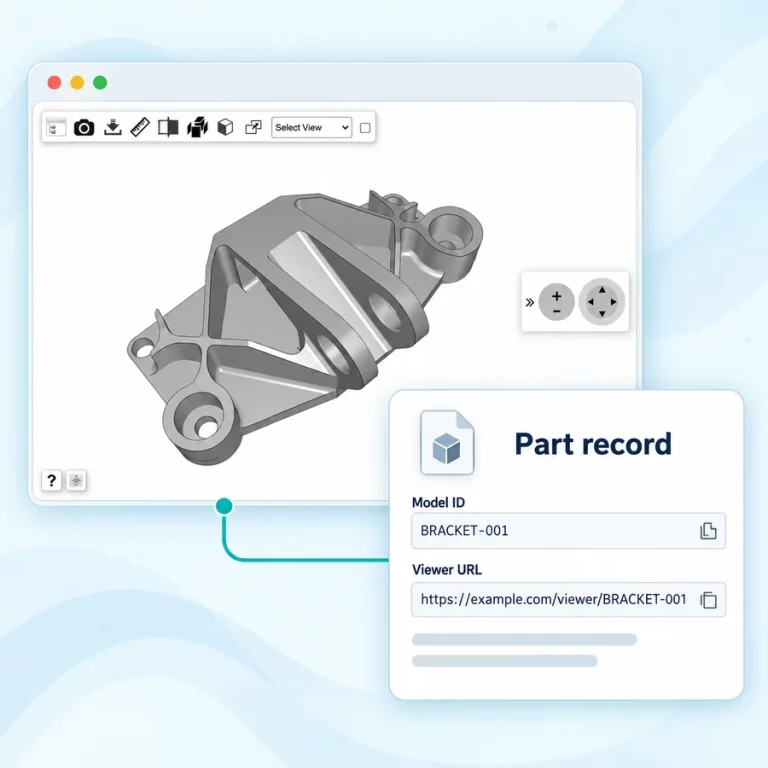
Store the returned model identifier and viewer URL against the corresponding record in your application.
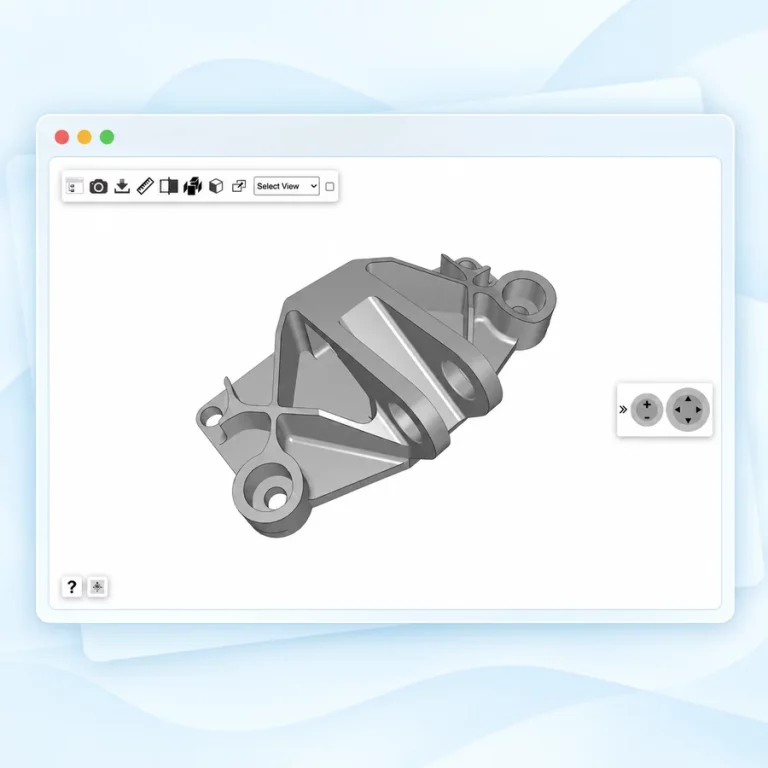
Present the model alongside the product information, order details or engineering context your users need.
Test the integration with a representative file before connecting it to your production workflow.
curl --fail-with-body \

-F "userFile=@./component.stp" \

"https://www.3dvieweronline.com/api/v1/models/?token={your-api-token}"
Run this request from your backend or development terminal using your API token and a local test file. Keep the token on the server.
Inspect the response, handle any reported error and associate the returned model details with your application’s record.
Example successful response:
{
  "success" : true,
  "url" :"https://www.3dvieweronline.com/members/Id9bf31c7ff062936a96d3c8bd1f8f2ff3/3VCKJVxOIM45tzr",
  "modelID" : 1234 ,
  "message": "message",
  "thumbnail":"https://location/of/your/thumbnail.png"
}
Connect a collection of files to an application-managed upload queue. Track the outcome for each model and associate successful results with the correct product or part record.
Design the queue around your agreed API allowance, with clear handling for failed requests and files that need attention.
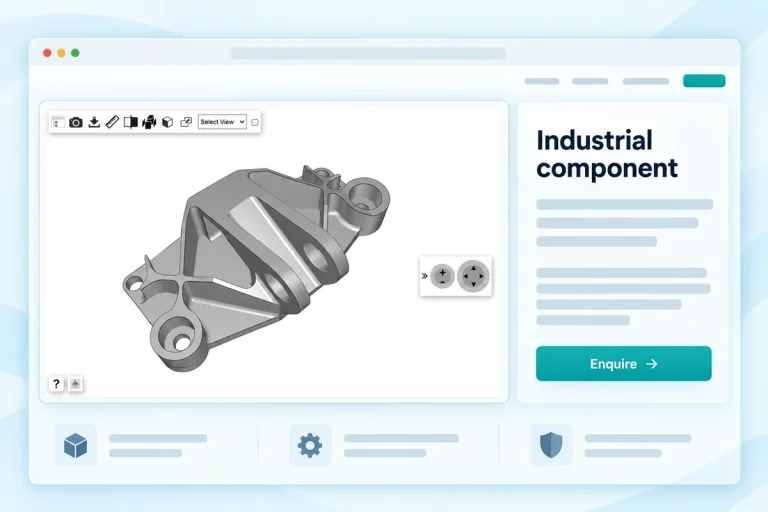
Associate a model with a product record and display the viewer beside descriptions, specifications and enquiry options.
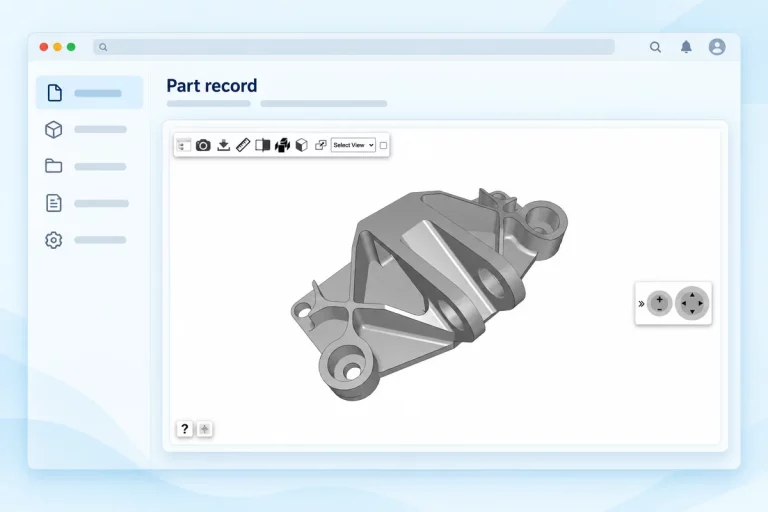
Associate a model with a submitted part, order record or component library entry so users can inspect it in context.
Plan how your application will keep its model references aligned with its own records throughout their lifecycle.
See model retrieval, update and deletion operations in the API documentation →
Use a model ID to request surface area, volume, overall dimensions along the X, Y and Z axes, and the number of parts for a 3D assembly. Your application can associate these values with the relevant product or component record.
Tell us your expected upload volume, typical file size, storage requirements and application workflow. We can discuss the appropriate account and API allowance for your integration.
It lets your application upload supported CAD and 3D files and retrieve model details and viewer URLs. Your software can associate these results with products, parts or project records and display the models in a browser.
Yes. The integration can be implemented in your backend and connected to your existing application workflow. The viewer can then be presented where users need to inspect the model.
Begin with a representative sample file, establish the request and response handling, and confirm the production requirements before expanding the workflow.
Yes. Your application can manage a queue of individual submissions. Plan the queue around the agreed API limits and track results for each file.
The API documentation contains request parameters and response examples. Contact us to discuss requirements specific to your application.
Yes. Your application can upload models and associate their viewer URLs with catalogue items. Account storage determines how many models you can retain, while API allowances govern the upload workflow.
Tell us about your application and expected model workflow. We’ll help you arrange API access so you can begin testing model uploads and viewer URLs.