Your website can continue to manage product names, specifications, downloads, prices and enquiry forms. 3DViewerOnline adds an interactive model to the relevant product page, allowing customers to inspect the product without leaving your existing catalogue.
You can introduce 3D gradually, beginning with your most important products and expanding the catalogue as more models become available.
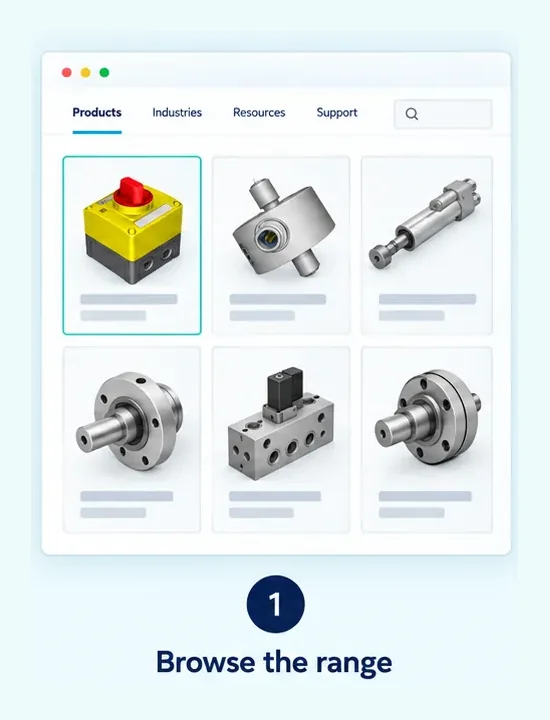
Customers navigate categories, filters and product families using your existing website.
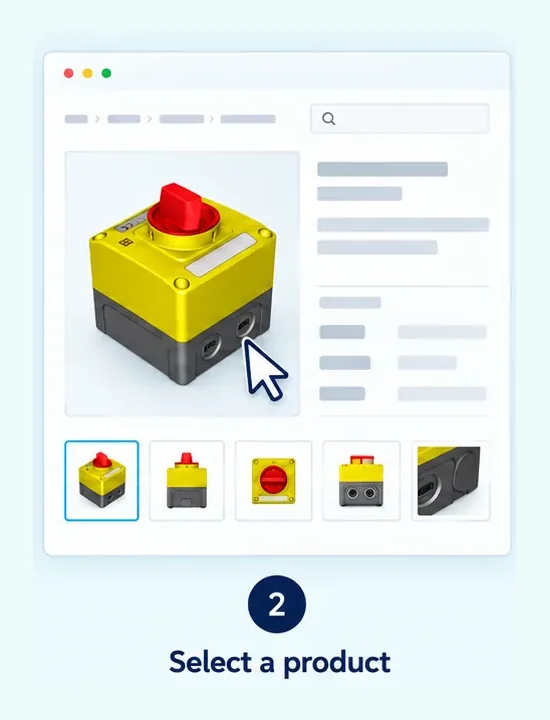
The product page combines commercial information, specifications and downloads.
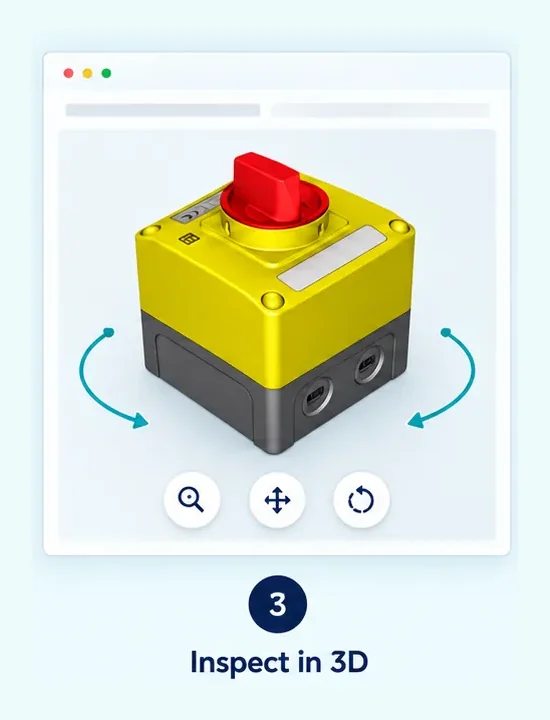
Customers rotate and zoom the model to understand shape, proportions and connection details.
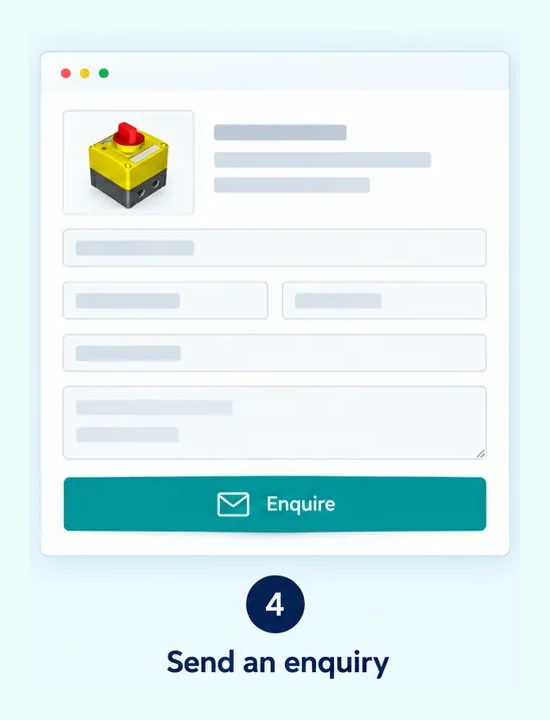
The same page can lead to an enquiry, quotation request, distributor or purchasing process.
Each product page can display the model associated with that item while the surrounding catalogue remains managed by your existing website or content-management system.
This approach separates the 3D experience from product data. Your website continues to manage descriptions and specifications, while 3DViewerOnline provides browser-based access to the model.

Begin with best sellers, technically complex products or items that are difficult to communicate using photographs alone.
Agree on model orientation, scale, naming and the level of detail required for web viewing.
Maintain a clear relationship between each catalogue item, its product identifier and its corresponding 3D model.
You do not need to convert the entire catalogue at once. A staged rollout allows you to establish the presentation, model-preparation process and internal responsibilities before adding more products.
Use a repeatable viewer configuration across product families so customers encounter familiar controls and presentation throughout the catalogue.
Depending on your plan and configuration, the logo, colours and available toolbar controls can be adapted to complement the surrounding website.

Use 3D where photographs struggle to explain the overall form or arrangement.
Help customers inspect ports, mounting points, interfaces and component relationships.
Give engineers and buyers another way to assess a product before requesting more information.
No. It adds interactive 3D models to product pages managed by your existing website or catalogue system.
Yes. You can start with selected products or one product family and add further models over time.
Yes. You can use 3DViewerOnline for a large product catalogue. The number of models you can store depends on the storage available with your account.
Use consistent file names and maintain a clear relationship between each model and the corresponding product identifier or page.
Not necessarily. Begin with products where interactive inspection provides the clearest benefit, then expand according to customer needs and available models.
Yes. Use consistent branding and toolbar settings across your product models so customers encounter familiar controls throughout the catalogue. Available customisation options depend on your plan.
Supported CAD and 3D formats include STEP, IGES, STL, GLTF, 3MF, OBJ, DWG and more. File capabilities and requirements vary by format. Check supported formats and upload requirements.
Tell us about your product catalogue and how you’d like customers to explore your products in 3D. We can help you choose an approach for integrating the viewer into your website.